Welcome Guides

Explore key features and simple tips designed for busy parents. Learn how to create first moments, add photos, and build your family timeline.
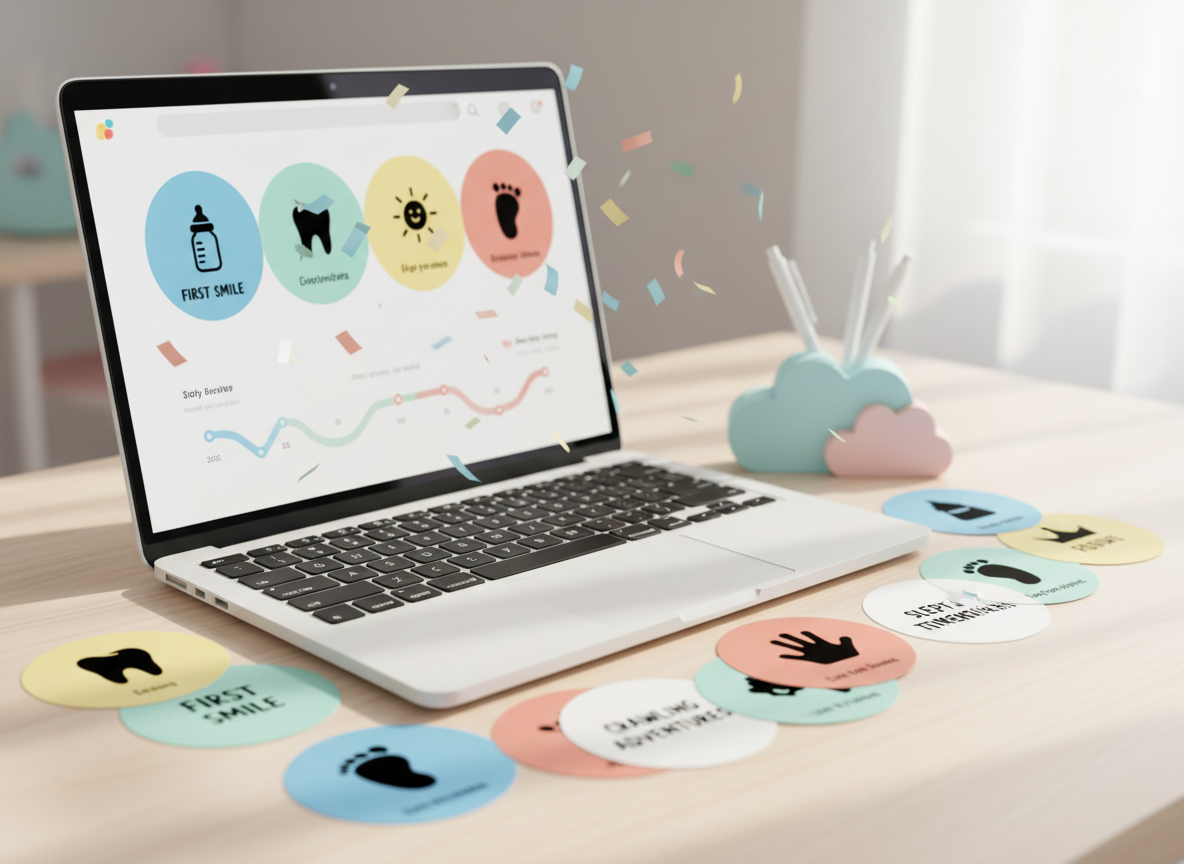
A bright, modern desk setup featuring a slim white laptop open to a dashboard-style interface of a parenting app, with large rounded milestone cards in playful colors, a progress timeline, and celebratory confetti animations frozen mid-motion on the screen. Around the laptop lie scattered printed milestone cards, each with bold icons and handwritten-style fonts, along with a small, pastel-colored cloud-shaped pen holder. Sunlight pours in from the right, reflecting softly off the laptop’s metallic edges and creating a lively pattern of light on the clean, pale wooden surface. Photographic realism, shot at an eye-level angle with shallow depth of field, keeps the laptop screen crisp while the background blurs into a gentle mix of pastel tones. The atmosphere feels energetic, organized, and inspiring, ideal for showcasing how easily parents can capture their child’s first days.

How-To Guides

Support Center

Use this form to connect with our support team for login help, data questions, or feature feedback. We reply quickly.

← Back

Thank you for your response. ✨

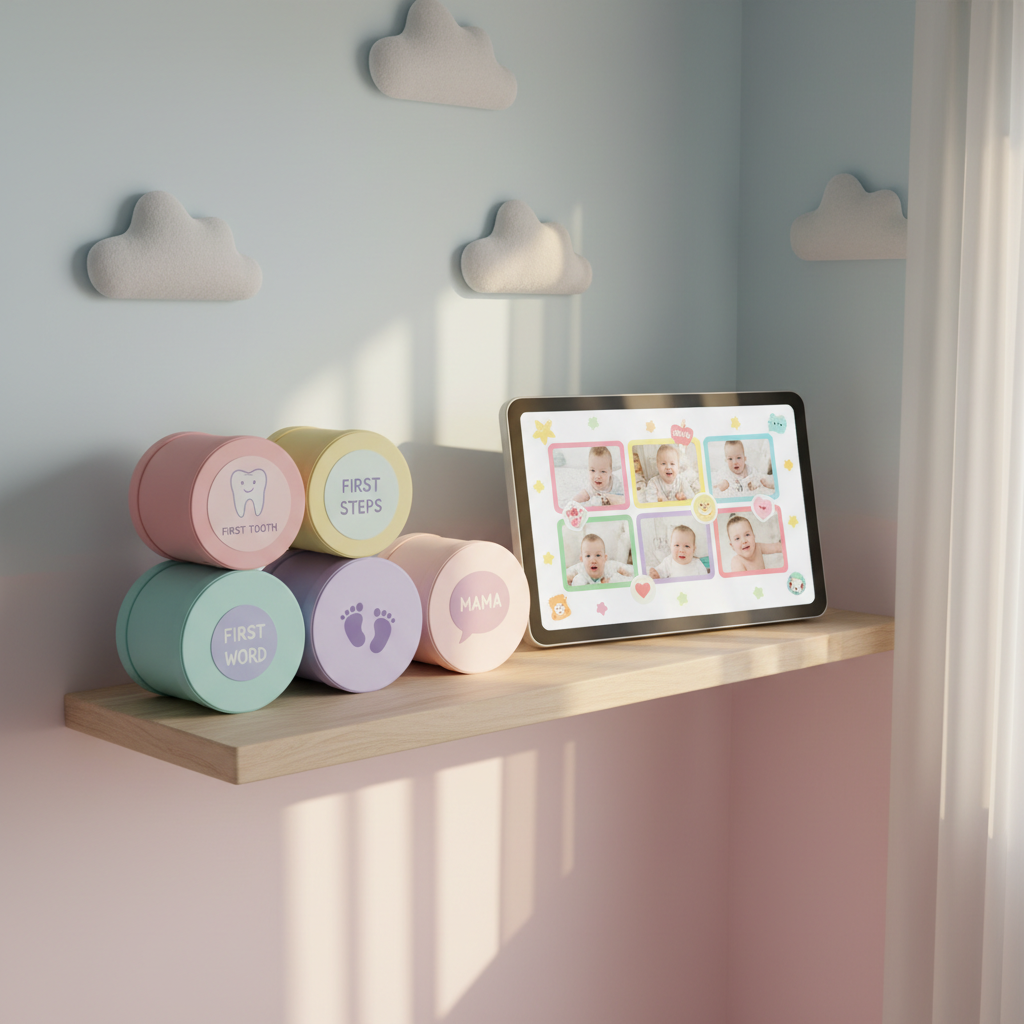
A cozy nursery corner centered on a light birch shelf neatly arranged with bright, rounded memory boxes labeled with playful icons like a first tooth, first steps, and first word. A sleek digital photo frame with a glowing, high-resolution display shows a collage of baby milestone photos with colorful borders and whimsical stickers. The shelf sits against a soft, pastel gradient wall with floating, cloud-shaped decor. Warm, diffused afternoon light from an unseen window bathes the scene, creating gentle, rounded shadows. The mood is sentimental yet energetic, captured in photographic realism from a slightly elevated angle using the rule of thirds. The vibrant colors and clean lines evoke a modern parenting app brought into the physical world, emphasizing the joy of organizing and revisiting memories.

Quick Start

Find quick setup steps and helpful topics to get you started with capturing memories, organizing milestones, and sharing with family.